
Welcome
Guides for the Intune Documentation desktop app: document your Microsoft Intune configuration on your own machine, find any setting, and hand compliance evidence to your auditor.
The Intune Documentation desktop app turns your Microsoft Intune configuration into documents people can actually read. It runs on your own Windows or macOS computer, signs in with your own app registration, and reads your tenant straight from Microsoft. Your configuration never passes through our servers.
It only reads. It never changes anything in your tenant.
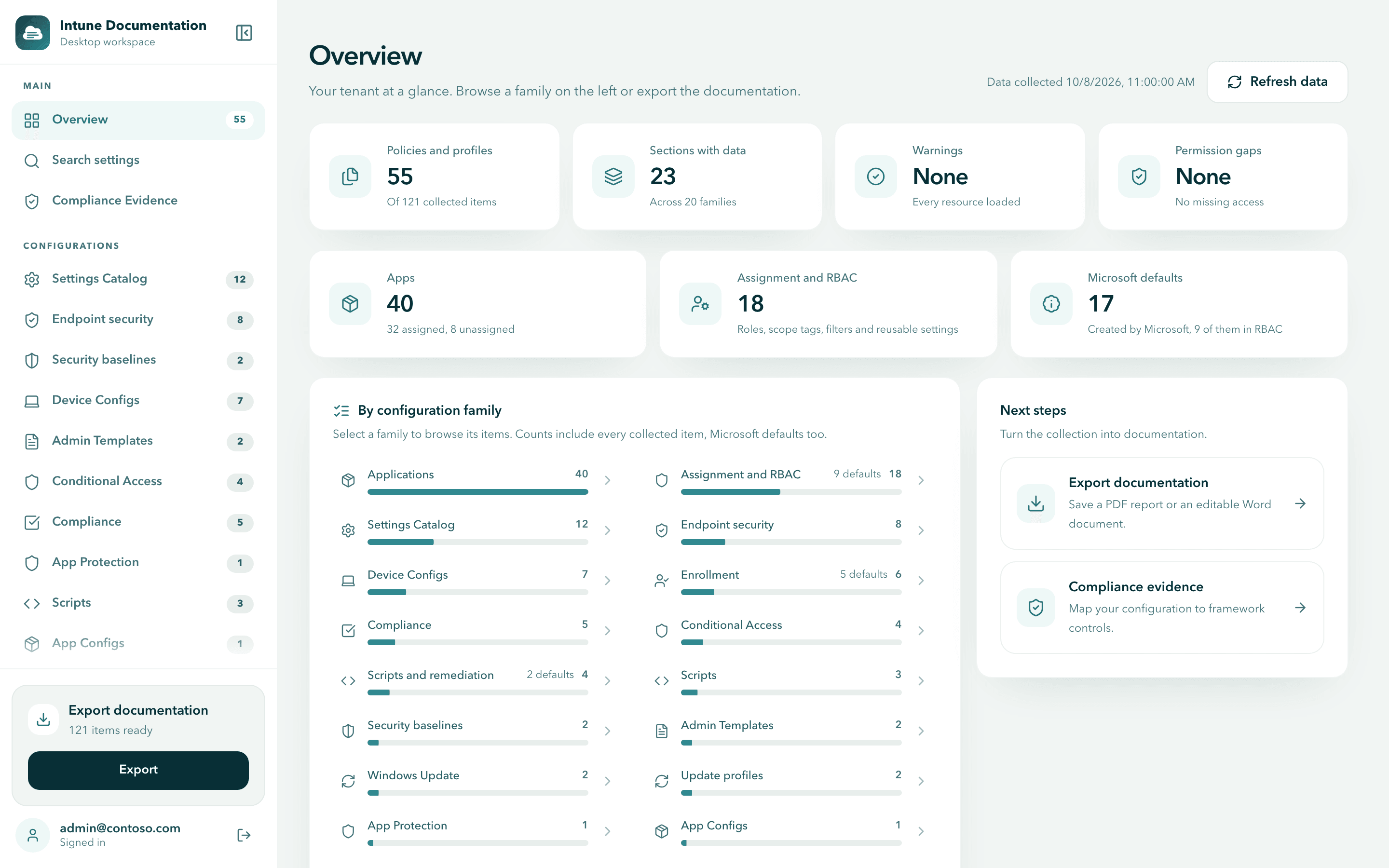
What you can do with it
- Document everything. Export your policies, settings, assignments, scripts and baselines as a PDF report or a Word document you can edit.
- Find any setting. Search settings shows every policy that configures a setting, with its value, platform and assignment.
- Hand evidence to your auditor. Compliance evidence reports map your configuration to frameworks such as NIS2, ISO/IEC 27001, SOC 2, NIST and BSI IT-Grundschutz.
- Report to management. The one-page management report shows how many safeguards are in place, and how that changes month by month.
- Work across tenants. On the MSP plan, one license covers every customer tenant. See Work with multiple tenants.
- Keep data on your machine. Collection runs locally and talks to Microsoft directly. After a license check, the app keeps working for 14 days without reaching our licensing service. See Security and privacy.
Get started in about ten minutes
You need a license and an administrator who can create an app registration in Microsoft Entra ID. The guide walks you through every step.
Check what you need
Before you start lists the requirements and who does what.
Install the app
Download and install the app on Windows or macOS.
Create the app registration
Create the app registration in your own tenant. It is free and gives us no access to your tenant.
Sign in and activate your license
Sign in and paste your license key, then collect your tenant.
No license yet? Compare the plans on the desktop app page. Every plan comes with a 30-day money-back guarantee. Details are in Plans and billing.
Where to go next
Install the desktop app
Download the app for Windows or macOS and get it running.
Create the app registration
Register the app in Microsoft Entra ID so it can read your tenant.
Search settings
Find every policy that configures a setting, across your whole tenant.
Compliance evidence
Map your configuration to frameworks and export evidence reports.
Security and privacy
What the app reads, where it is processed and what is sent for licensing.
Troubleshooting
Fixes for the most common problems.
Looking for the free web app?
Intune Documentation also has a free web app at intunedocumentation.com. It creates the same PDF and Word documentation in your browser, with our app registration and without installing anything. Graph responses pass through our server in memory only and are never stored. See Get started with the web app, or self-host it on your own infrastructure.
| Desktop app | Web app | |
|---|---|---|
| Where Graph responses are processed | Only on your machine | On our server, in memory only, never stored |
| App registration you sign in with | Your own, created in your tenant | Ours, consented once in your tenant |
| Search settings across all policies | Included | Not available |
| NIS2 and the one-page management report | Included | Not available |
| Many tenants | Switch tenants in the app (MSP plan) | Sign in to each tenant separately |
| Price | Paid subscription, see Plans and billing | Free |